
Designed for More of Your Self-Care Routine
LIGHT BEYOND YOUR FACE
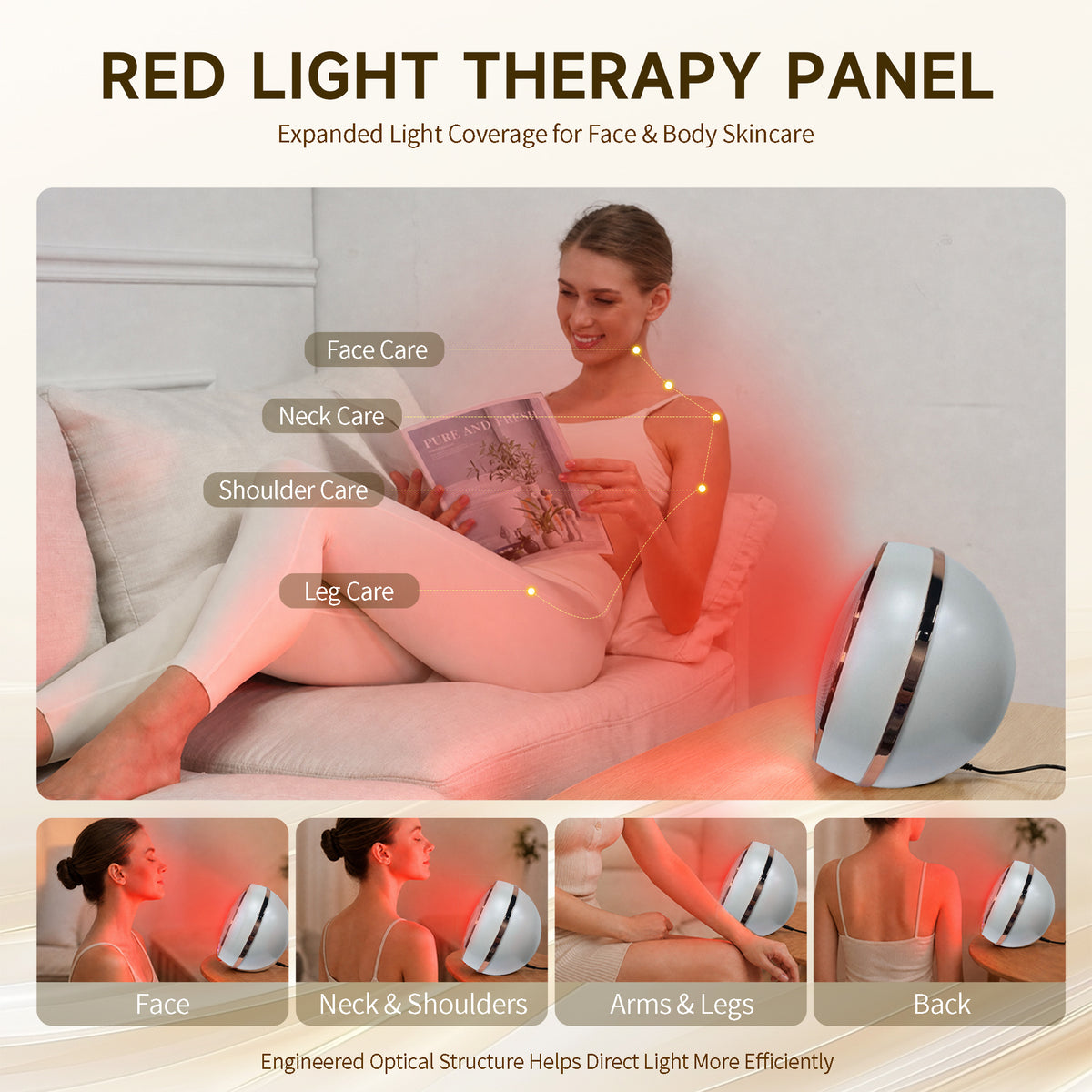
Bring light care into more moments of your day. The LOVETENET Sunflower-Style Panel is designed for face and body use.

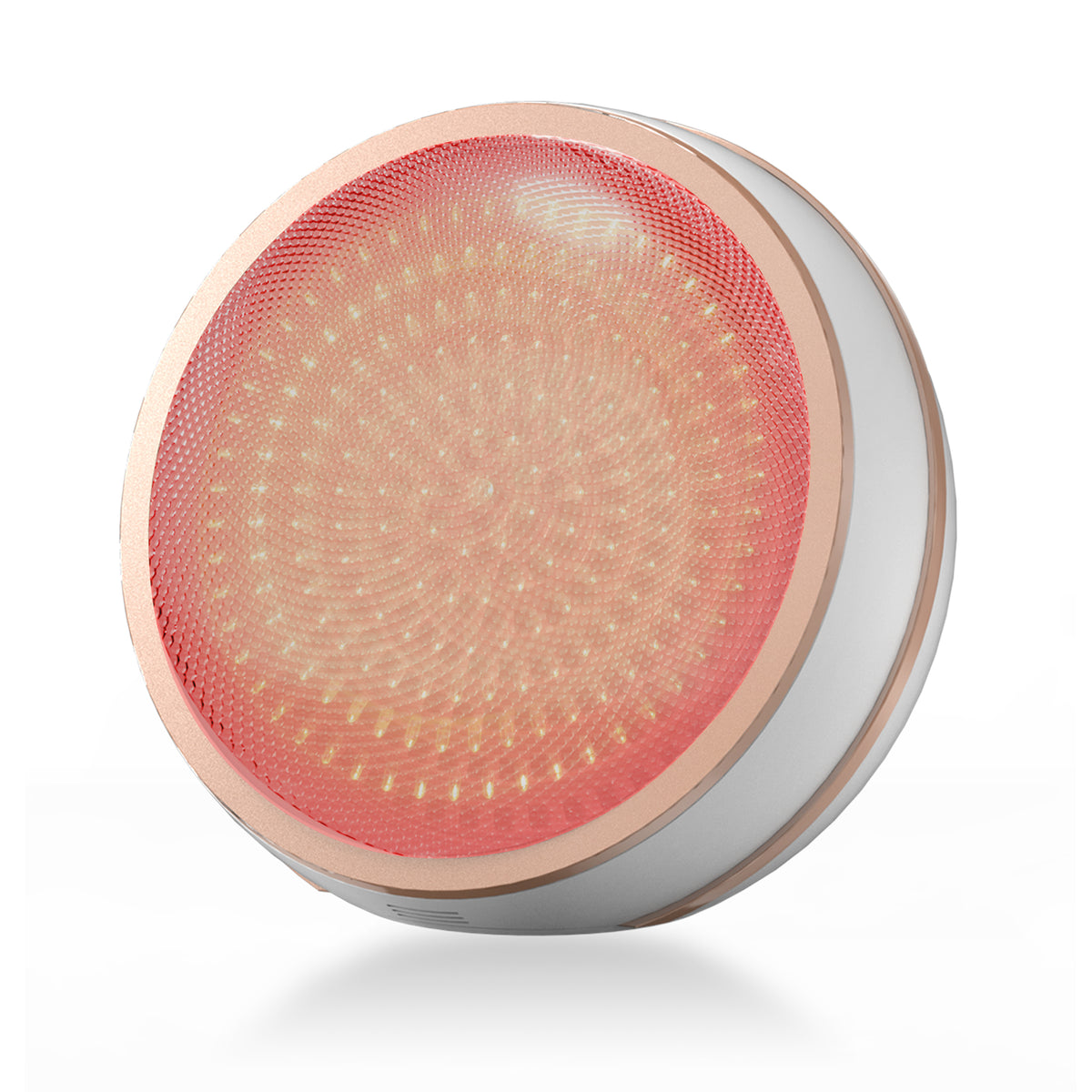
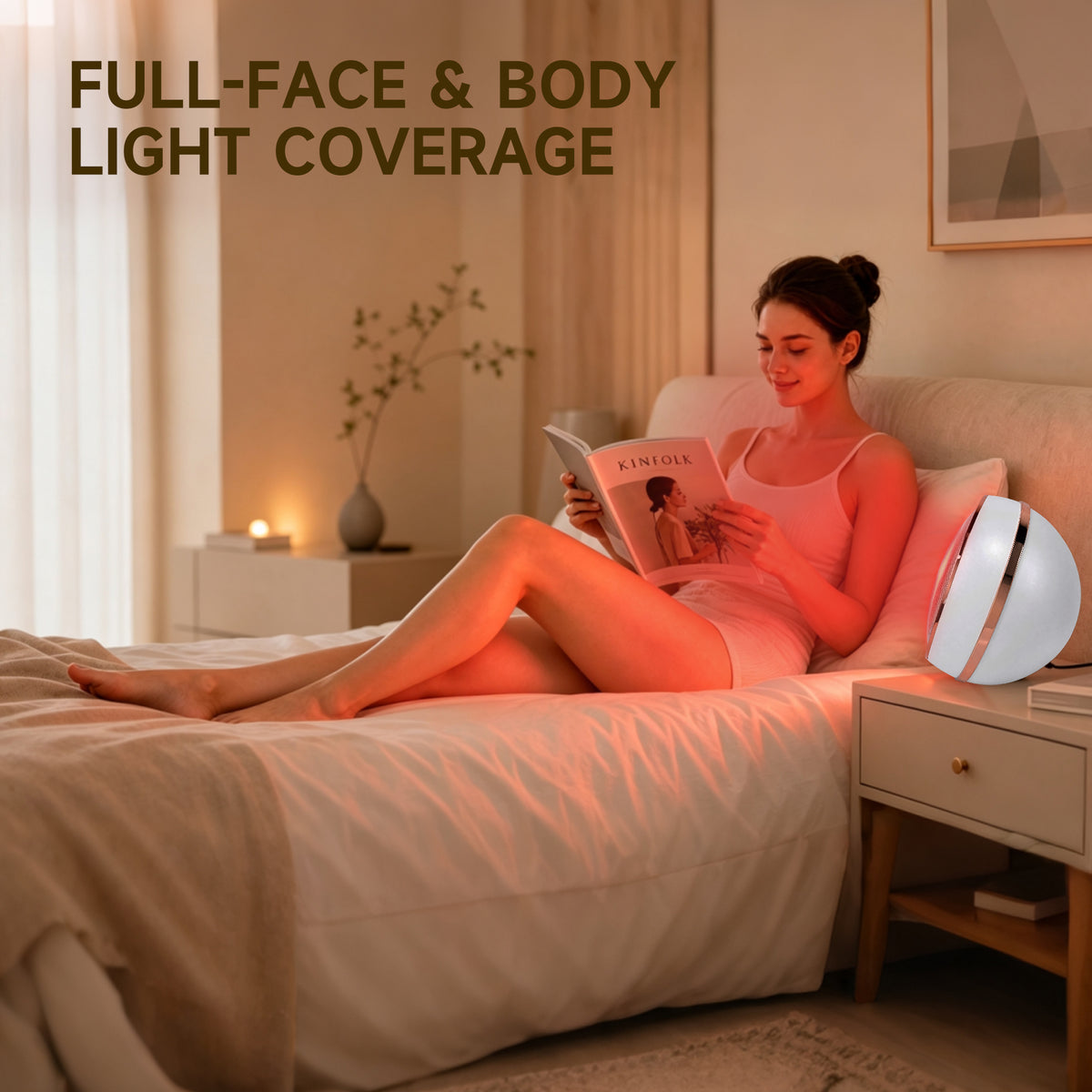
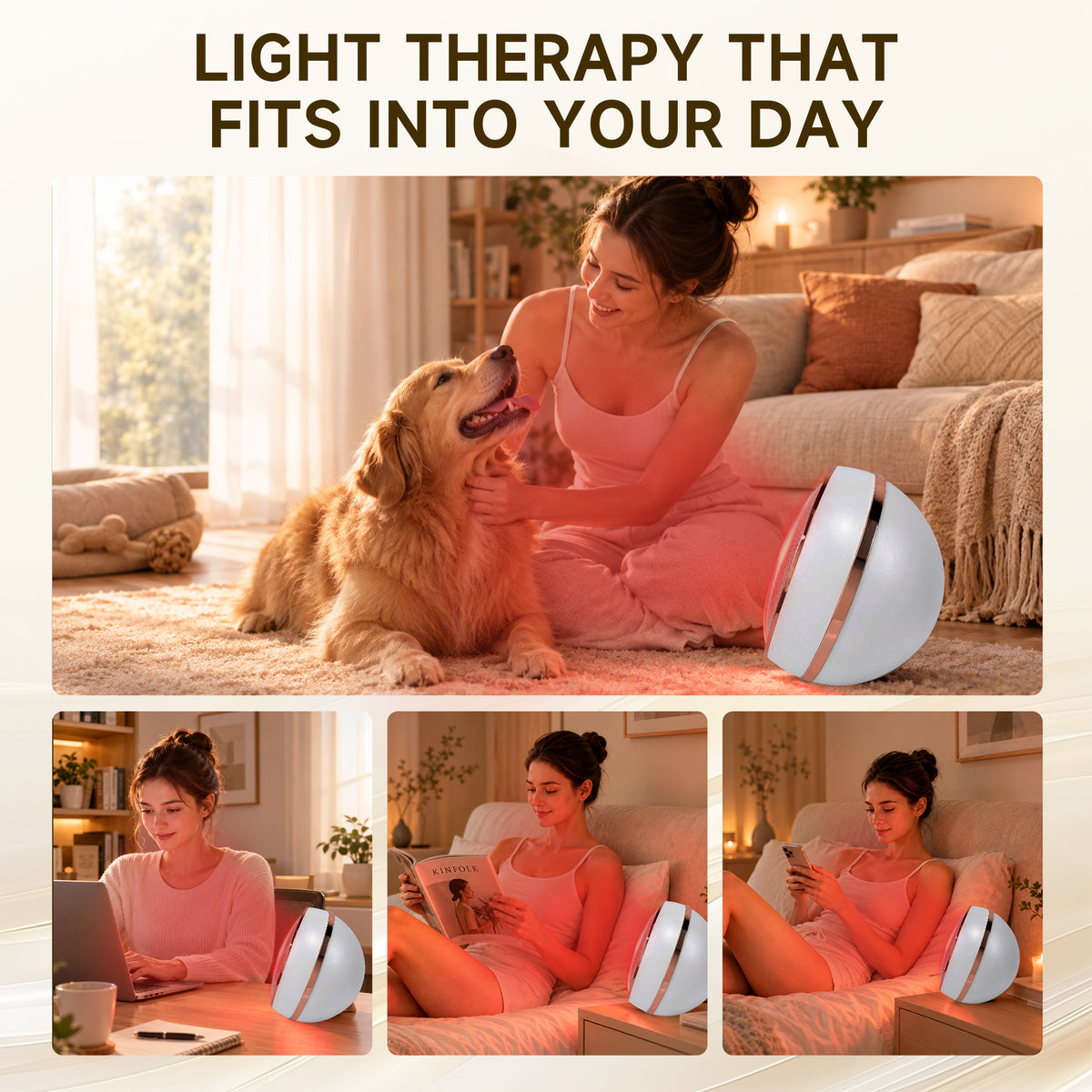
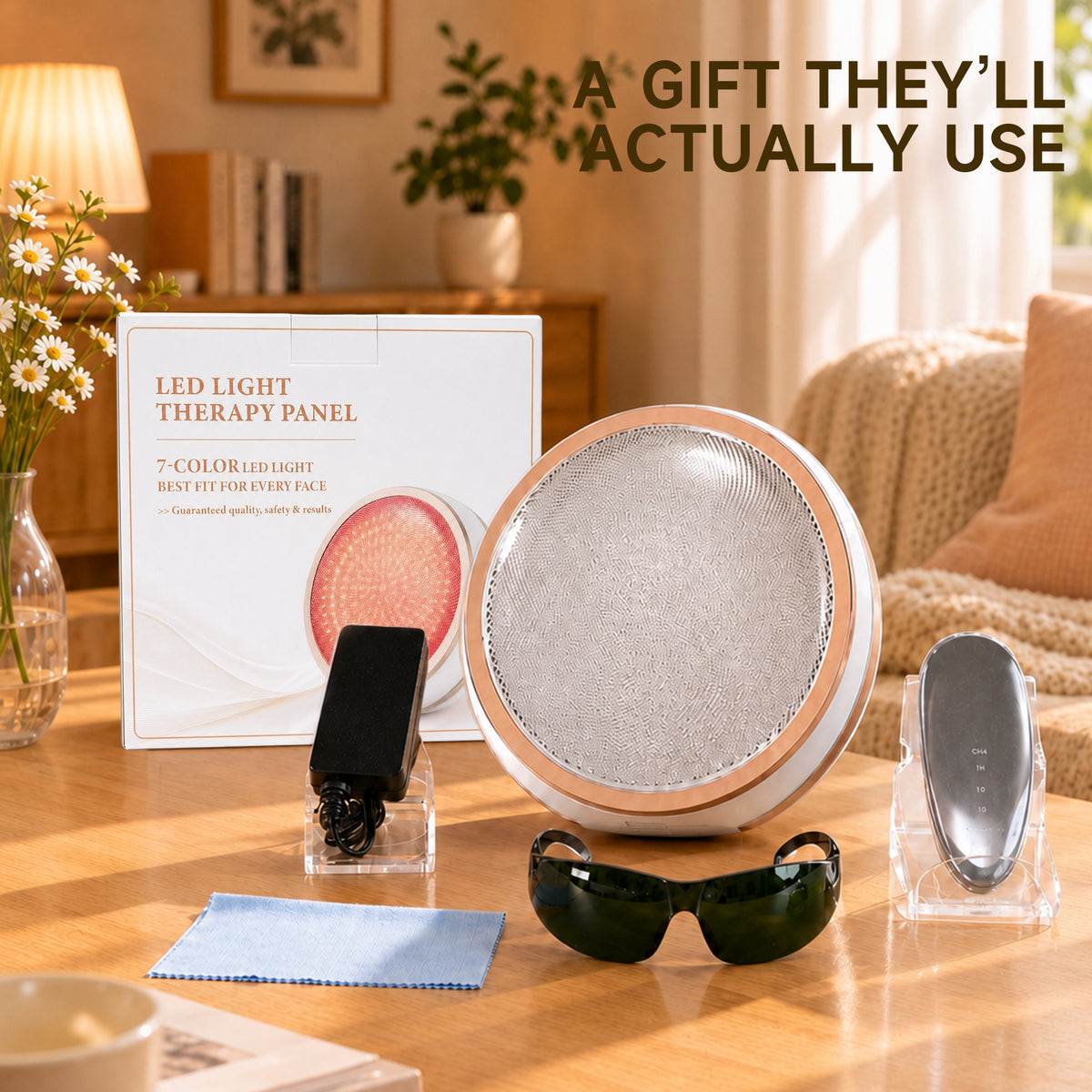
The Lovetenet A083 is a non-wearable red light therapy panel for face-focused use at home. Its panel format offers an alternative to a wearable face mask, with positioning options that let you arrange the device for a seated routine.
FDA-registered. Eligible for FSA/HSA reimbursement with a Letter of Medical Necessity.
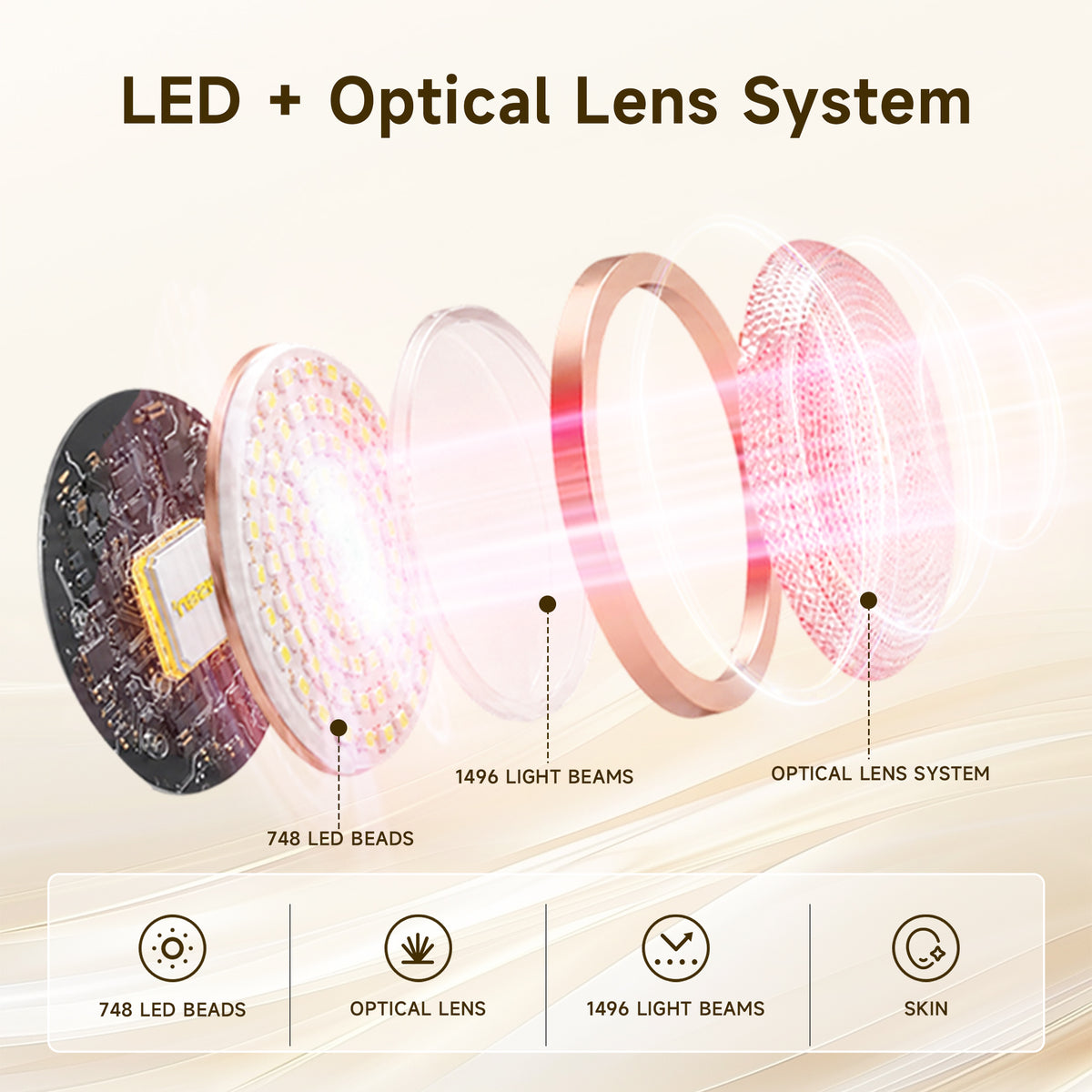
The A083 combines 660 nm red light and 850 nm near-infrared light. Its adjustable stand and handheld options let you compare different ways of positioning a panel. Follow the instructions supplied with the device for the correct distance, settings and eye protection.
Consider the area you intend to use it on, available space and whether you prefer a wearable format. Compare the A083 with the A097 cordless face mask and A081 compact panel, or use our mask and panel comparison before choosing.
Read the model-specific instructions before first use. Follow the directions for positioning, session settings, cleaning and storage. Do not infer the appropriate routine from a different device or from the brightness of the light.
Check our shipping information and return and warranty conditions. For model-specific questions, contact Lovetenet support.
Choose options
Designed for More of Your Self-Care Routine
Bring light care into more moments of your day. The LOVETENET Sunflower-Style Panel is designed for face and body use.

A DISTINCTIVE SHAPE. A MORE FLEXIBLE LIGHT CARE SETUP.
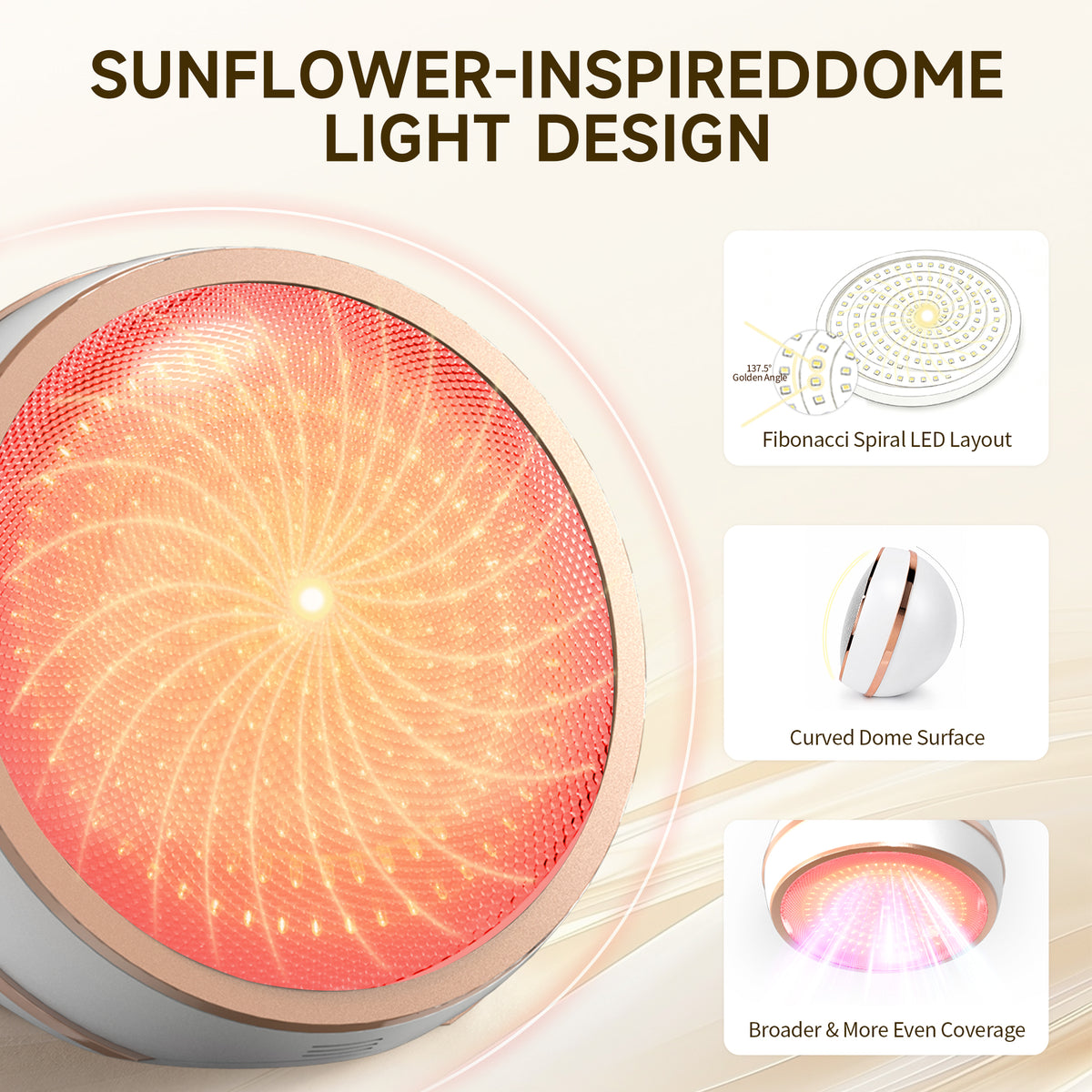
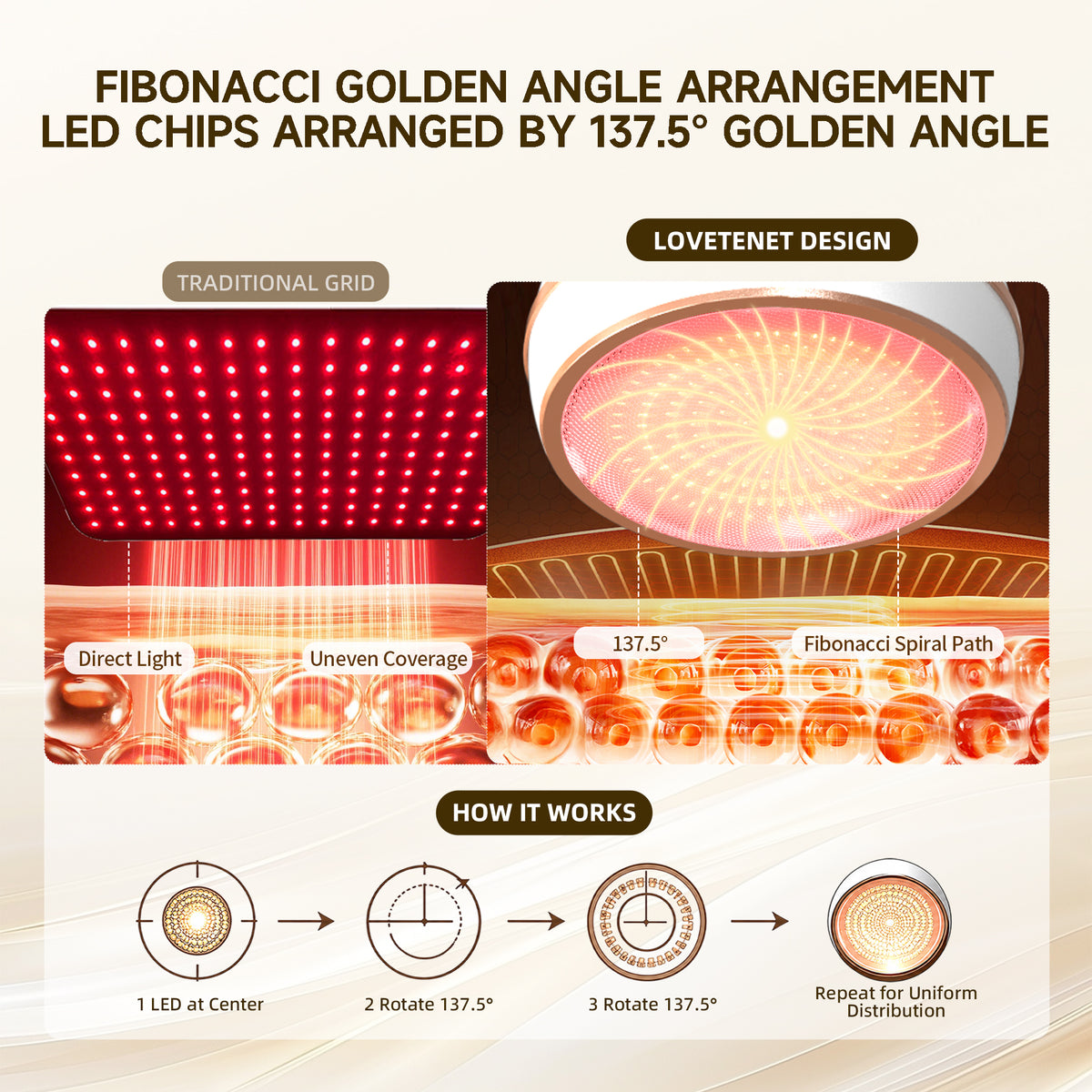
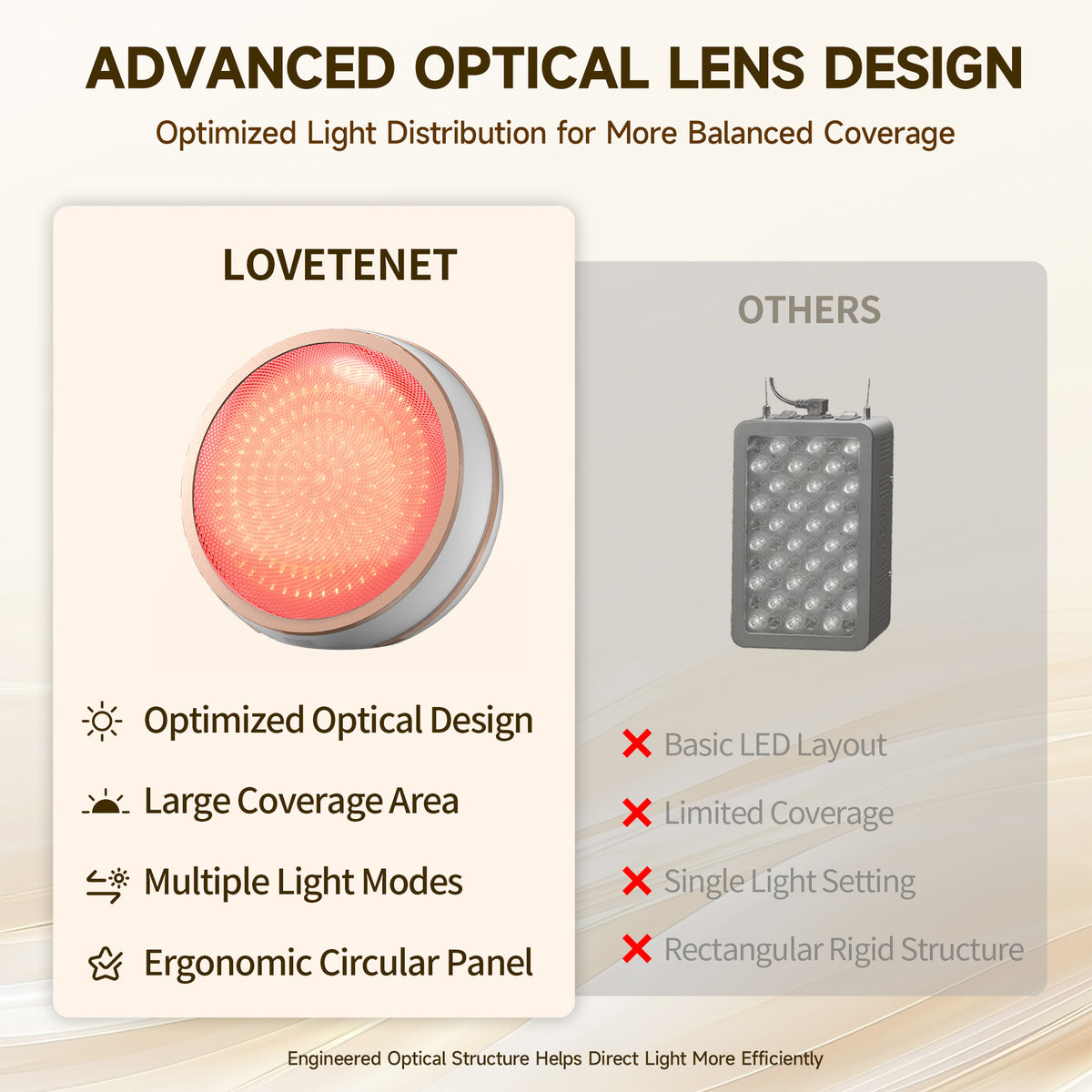
Inspired by natural spiral patterns, the LOVETENET Sunflower-Style Panel features a curved dome structure and a carefully arranged LED layout. Its distinctive design provides broad coverage for face and body use, bringing more flexibility to your at-home light care routine.

ONE DEVICE. SEVEN LIGHT OPTIONS.
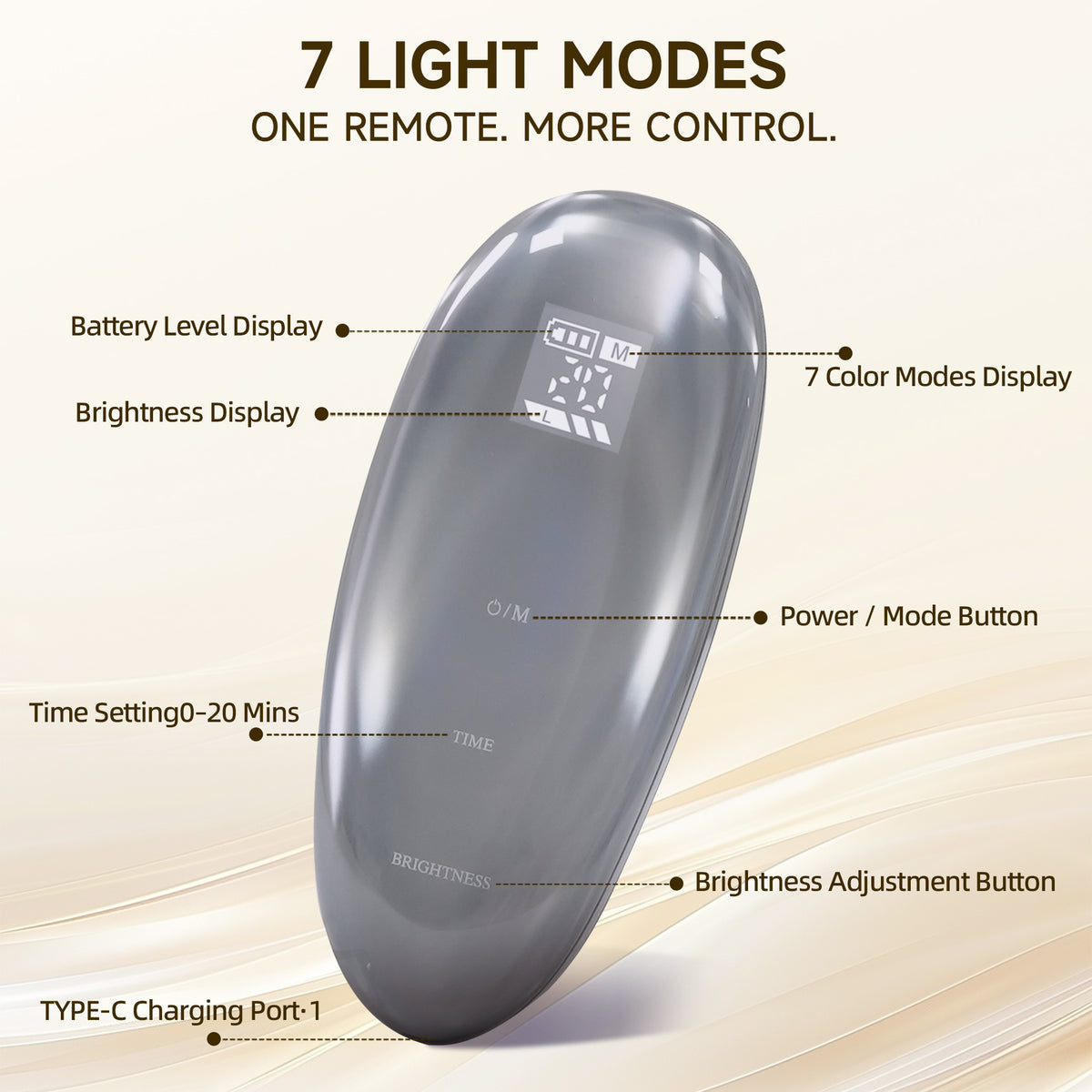
Explore seven light modes with the LOVETENET Sunflower-Style Panel. Each visible-light mode combines with near-infrared light, giving you more options to personalize your at-home light care routine.

LIGHT CARE, YOUR WAY.
Designed for face and body use, the LOVETENET Sunflower-Style Panel fits naturally into your daily routine—from focused care to relaxing moments at home.

BEAUTY, TECHNOLOGY & EVERYDAY CARE
Beautifully presented in premium gift packaging, the LOVETENET Sunflower-Style Panel comes with its essential accessories, including a power adapter, remote control, and protective eyewear. A thoughtful gift for anyone who enjoys self-care at home.
Place A083 on a stable, level surface with the curved light-emitting side facing the face, leaving space between the device and the skin. Adjust the chair and device so the target area is positioned in front of the light-emitting surface. Follow the instructions supplied with A083 for the exact treatment distance. If the manual does not specify a distance, contact us for confirmation before use rather than estimating it from promotional images.
A083 is designed as a full-face illumination panel. First position the device directly in front of the face at the specified distance. Actual coverage around the sides of the nose and the jawline can be affected by facial contours, device angle, and distance. Follow the instructions for this model to determine whether multiple angles and corresponding timing are needed. Do not add another full session simply because one area appears darker.
Place A083 on a stable, level surface beside the seat, point the light-emitting side toward the intended shoulder or back area, and adjust your seated position to align the target area. Once the device is stable, it does not need to be held continuously. Before use, make sure the power cord does not pull on the device, maintain the distance specified in the manual, and do not raise the device with soft cushions or unstable objects.
Yes. A083 includes a remote control that can turn the device on or off, switch light modes, adjust brightness, and set the time. The remote displays battery level, mode, and brightness so you can review the current settings. Follow the supplied manual for the exact button operations.
Brightness can be adjusted with the brightness buttons on the remote, and its status can be viewed on the display. Brightness and time are separate settings. Lowering the brightness does not mean that you should extend the session on your own. Use the settings specified in the manual for the selected mode and treatment area, and do not calculate session time in proportion to brightness.
A083 provides a time-setting function through the TIME button on the remote. Refer to the device manual to confirm whether the light turns off automatically or an audible alert sounds when the timer ends. If the manual does not state this clearly, contact us to verify. Monitor the time during use and confirm that the device is off when the specified session time has ended.


